Any Bluetooth controller
on your Windows PC,
over Wi-Fi
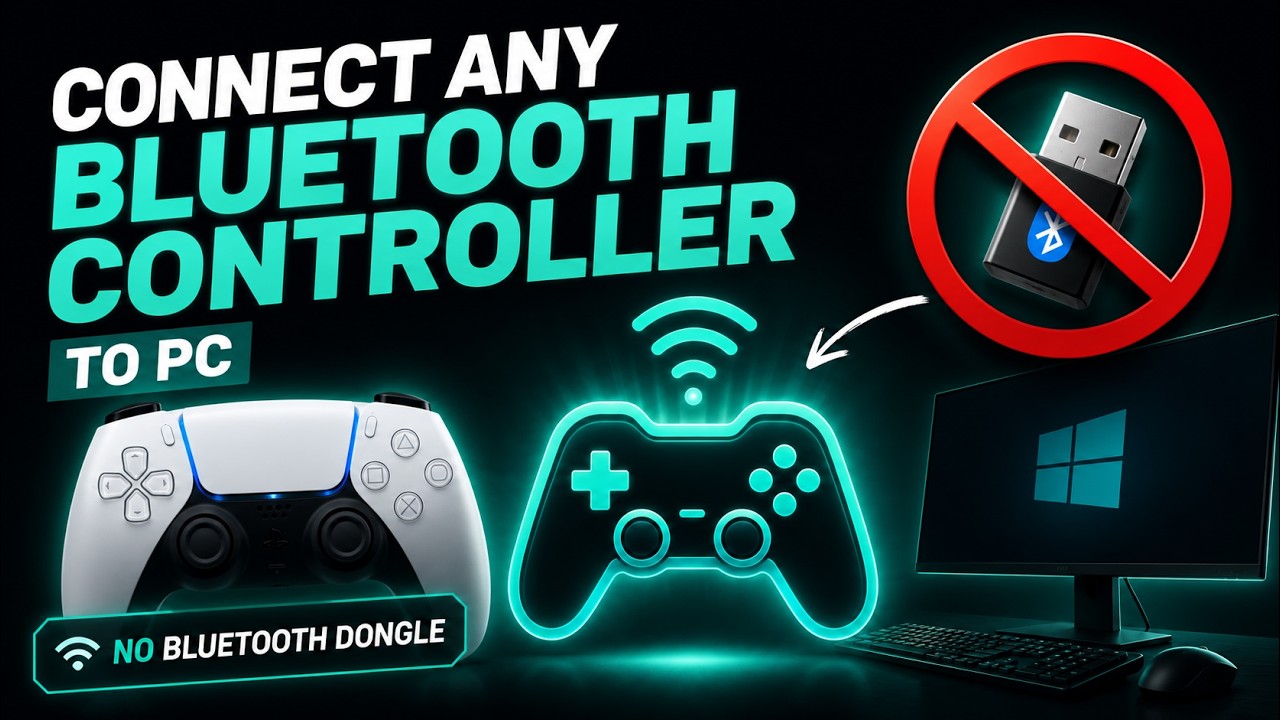
Pair any Bluetooth pad to your phone, and Controller Gateway relays it over your Wi-Fi to your PC as a standard Xbox controller — low latency, no dongle, no cable.
No Bluetooth on your PC? Your phone already has one.
Most desktops ship without Bluetooth, and the internet's answer is always "buy a dongle." Skip it. Pair your controller to the phone in your pocket, and Controller Gateway bridges it to your PC over Wi-Fi — where it shows up as a standard Xbox controller. Start free.
A real controller in your hands — not on-screen buttons like other "phone gamepad" apps.
A USB dongle is the wrong fix.
Cheap Bluetooth dongles are exactly the hardware people complain about — dropped inputs, fussy pairing, another thing to buy and lose. Your phone already has a good Bluetooth radio, so we relay through that instead.
Laggy, jittery, picky
One more thing to buy, carry and lose — and the budget ones are exactly the "drops inputs randomly" hardware people end up returning.
- Another purchase, and another thing to lose
- Budget adapters drop inputs and pair badly
- Some pads still won't pair cleanly
Fast, steady, universal
Your controller talks to the phone; the phone sends tiny UDP packets to your PC. Hardware you already own, and nothing to plug in.
- 1–5 ms added by the Wi-Fi hop on 5 GHz
- Steadier, more consistent input
- Nothing to buy — your phone is the adapter
Three steps to a controller that just works.
Pair to your phone
Connect your PS5, Xbox or other Bluetooth pad to your phone in the usual Android settings. Up to four at once.
Find & connect
Open Controller Gateway, tap Find, then Start. It locates your PC by itself.
Play
Your games see a standard Xbox controller — perfect for Moonlight, Sunshine, launchers and native games.
Watch it work — no dongle in sight.
The Wi-Fi hop is not what you feel.
Your pad reaches your phone over its own Bluetooth link, and Controller Gateway adds one short hop from there to your PC. On a 5 GHz network that hop costs about 1–5 ms — comfortably inside a single frame at 60 Hz.
Tiny UDP packets over your own 5 GHz Wi-Fi — under a third of a 60 Hz frame, on the network you already have.
Built for couch streaming.
Any Bluetooth pad
PS5 DualSense, DualShock 4, Xbox Wireless, 8BitDo and most other Bluetooth controllers.
Up to 4 controllers (premium)
Local co-op and party games — every pad shows up as its own player, P1 through P4. One controller is free.
Standard Xbox pad
Appears to your PC as a normal controller — Moonlight, Sunshine, launchers and games just accept it.
Rumble return
Force feedback travels back from the PC to your controller's own motors, so you actually feel the game.
Battery readout
Per-controller charge on the phone, free. Low-battery alerts for your phone and pads come with premium.
Screen dim (premium)
Blacks the phone screen while it keeps relaying, so a long session barely touches your battery. Double-tap to wake.
Free on PC. £2.99 unlocks the rest.
Use it free with one controller on your Windows PC — no account, no time limit. A single one-time in-app purchase unlocks everything else.
Free
Relay one controller to your Windows PC over Wi-Fi — no account, no time limit.
- One controller to your Windows PC, free forever
- Appears as a standard Xbox pad
- Rumble, battery readout and automatic PC discovery
- Extra controllers, Controller Studio, touchpad mouse and screen dim need the unlock
Free on Google Play
Premium unlock
Unlock up to four controllers, Controller Studio, the touchpad mouse and screen dim. One payment, no subscription.
- Controller Studio — curves, remapping, profiles
- Up to 4 controllers for local co-op
- Touchpad as a PC mouse on DualSense & DualShock 4
- Screen dim, low-battery alerts & per-pad vibration switch
- No account, no ads, no tracking
Unlock inside the app
Questions, answered.
Can I use a controller on a PC with no Bluetooth?
Why not just use Steam Link or Moonlight for the controller?
Which controllers work?
What's the difference between free and premium?
Is it really lower latency?
Do you collect any data?
Give your PC the controller it deserves.
Any pad, on your PC, with no dongle in sight. Start free with one controller, or unlock the rest for £2.99.